Gaming Lounge for Birthdays and Groups: A Planning Guide
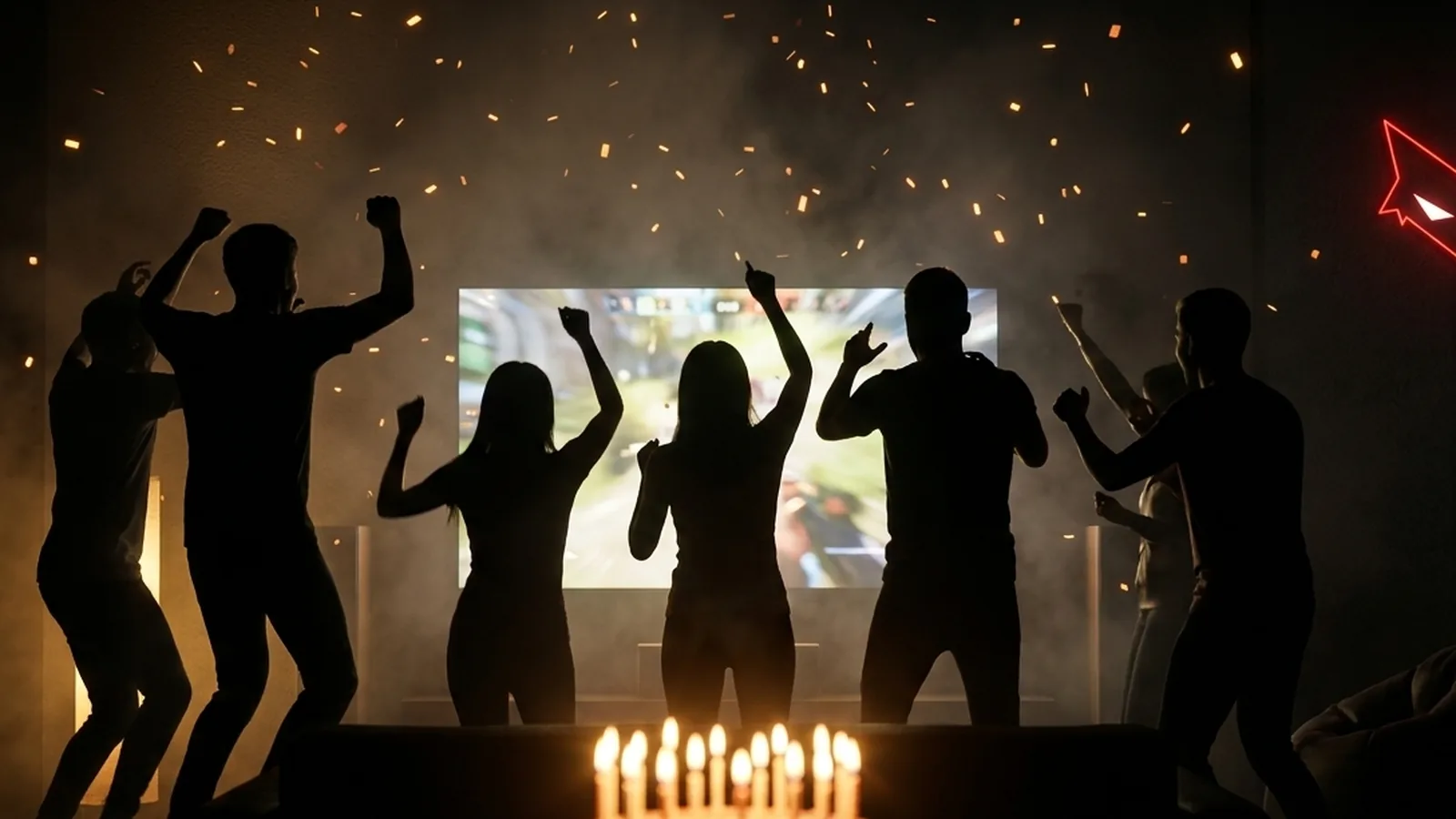
A gaming lounge for birthdays works best when you plan around the group, not the venue: count the players, pick games everyone can join in a minute, split the time into short rounds and confirm the details with the outlet before the day. Done that way, a mixed group of gamers and non-gamers can all enjoy it.
In short
- Plan around the number of people and their skill, then pick machines and games to match.
- Choose games with short rounds so nobody sits out for long.
- Contact the outlet early about group arrangements, rates and anything not on the booking page.
- Keep the session shorter than you think, and build in breaks and a buffer for travel.
- Appoint one organiser who books, collects names and shares the confirmation code.
A birthday at a gaming lounge sounds easy until twelve people turn up and only four can hold a controller. Most problems come from planning for the venue instead of the guests. This guide is for parents, friends and college groups in Mumbai and Navi Mumbai who want a smooth group session. It does not quote any venue's rates or rules, because those belong to the outlet, and you should ask them. What it does give you is a method that works anywhere: size the group, pick the games, build a schedule and avoid the usual mistakes.
How do you plan a gaming lounge for birthdays?
Plan it in five steps: count the guests, decide who will actually play, choose the machines, pick the games and agree the schedule. This order stops you from booking before you know what you need.
- Count the guests and ages. Write a list. Include people who will watch, not just play.
- Decide the play mix. In most groups, a few are keen gamers, a few are curious and a few only want to hang out. Plan for all three.
- Choose machines. A console on a shared screen suits many people at once. Single-player PCs or racing rigs suit short turns.
- Pick games. Aim for easy rules and rounds of a few minutes.
- Fix the schedule. Pencil in the arrival, game rounds, breaks and departure.
Before you commit, run through the checklist of things to verify in a gaming cafe near you. It covers hardware, booking and seating questions that apply directly to group visits.
What is the right group size?
The right group size depends on how many people each station seats and how many stations you can book at the same time. Do not assume everyone can play at once.
At most lounges, PC and racing stations seat one player each, while console stations seat several. A PS5 supports local multiplayer, which means several people play on the same screen in the same room. Wikipedia's local multiplayer article defines the term. Many PS5 games cap the number of players at two or four, so check the game's own player count.
A simple rule of thumb: divide your group into teams matched to each station's capacity. Eight guests with a four-player console need two rounds, or two stations. Ask the outlet what it can do for larger groups rather than guessing. Group size limits are the outlet's to state, so confirm them in advance.
Which games work best for a mixed group?
The best games for a mixed group are party and sports titles with short rounds, simple controls and room for beginners. They keep skilled players from running away with the session.
Look for these traits:
- Quick to learn. Someone should be able to join after one minute of explanation.
- Short rounds. Three to five minutes keeps people moving in and out.
- Team or turn-based options. They let a strong player partner a beginner.
- Fun to watch. Spectators stay interested.
Wikipedia's entry on party video games describes this genre. For ideas on easy-to-start console games, see our list of PS5 games for beginners. Do not assume a title is installed at your outlet; use the booking page's "By game" filter or ask.
For groups with one or two car fans, a turn on a racing rig can be a highlight. If nobody has tried it, what sim racing is is a good primer before the day.
How should you schedule the session?
Schedule the session in blocks of 15 to 30 minutes with a clear rotation, so everyone plays and nobody waits long. A written plan beats improvising with a crowd.
Here is a sample schedule for a two-hour group visit. It is a planning example, not a description of any package.
| Block | Activity | Who plays |
|---|---|---|
| Arrival | Settle in, show code, pick seats | Everyone |
| Round one | Easy party game on the shared console | Four at a time, rotating |
| Break | Water, snacks if the outlet allows, photos | Everyone |
| Round two | Head-to-head game, winner stays on | Pairs, with spectators |
| Round three | Racing rig turns or a team game | Volunteers |
| Wrap-up | Final round, group photo, leave | Everyone |
Adjust the lengths to the group's energy. If younger guests are involved, shorter blocks work better.
What should you ask the outlet before booking?
Ask the outlet about group arrangements, rates, food and drink, any age or parent rules and how late a booking can be changed. These are the outlet's decisions, so do not assume.
A short list of questions:
- Do you take group or birthday bookings, and how do I arrange one?
- How many stations can we book together, and how many people fit?
- Can we bring food or a cake, or does the outlet have its own rules?
- Are there age or parent-presence rules for younger guests?
- How do payments and changes to the booking work?
Write the answers down and share them with the guests. This avoids a surprise on the day. For a first-timer, our article on your first time at a gaming lounge explains what happens from arrival to finish.
What are the common mistakes with group gaming?
The common mistakes are overbooking the time, ignoring spectators and leaving the logistics to the last day. Each is easy to prevent.
- Booking too long. Hands and eyes tire. General information, not medical advice: short breaks help, and persistent discomfort deserves a doctor's attention.
- Letting one strong player dominate. Use team play or handicaps.
- Forgetting the quiet guests. Offer a role such as scorekeeper or photographer.
- Skipping the confirmation code. One person should hold it and share it.
- Ignoring the rules. Venue etiquette helps everyone. The etiquette guide lists courtesies that keep a group session pleasant.
- No travel buffer. Mumbai rain and local train delays can ruin a start time.
A worked example: a 10-year-old's birthday
Say a parent in Kharghar plans a party for eight children. A parent should stay involved for minors, so two adults attend. The organiser asks the outlet about group arrangements and age rules, and books a console station that seats several players, plus a second station if the outlet allows it.
The plan is two rounds of a simple party game, a break for snacks if permitted, then a short turn on a different station for each child. Children who do not want to play sit with an adult as scorekeeper. The parent arrives early with the confirmation code, checks seating and starts on time. Nobody waits long, and no child is left out. The same method works for a college group of eight, with fewer adults and longer rounds.
How this works at Playsole
Playsole Gaming Lounge takes group and birthday bookings at its two outlets, Playsole Kharghar in Navi Mumbai and Playsole Vile Parle in Mumbai. For arrangements, rates and any rules for groups, contact the outlet you plan to visit, because those details are not published in this article.
For the booking itself, the booking page shows live availability and per-person prices for each station. PS5 stations can seat up to four players, and some use large TVs. Most PC and sim stations seat one player. You can filter by machine type or by game, pick a start time and choose a session length, which varies by outlet.
You sign in with your email to book, and you receive a confirmation code to show at the counter. Payment can be at the venue or online, depending on the outlet. One account and one wallet work across both outlets. Ask the outlet about anything the page does not show before you invite guests.
FAQ
Can you have a birthday party at a gaming lounge?
Often yes, and Playsole takes group and birthday bookings. Contact the outlet you prefer to discuss arrangements, rates and rules. Plan around the number of guests, choose games with short rounds and appoint one organiser to handle the booking and the confirmation code.
How many people can play at once?
It depends on the station and the game. At Playsole, PS5 stations can seat up to four players, while most PC and sim stations seat one. Check each game's own player count, and book more than one station or plan rotations for larger groups.
What games suit a group of mixed skill?
Party and sports games with short rounds, simple controls and team options suit mixed groups best. They let beginners join quickly and keep spectators interested. Check availability with the booking page's By game filter instead of assuming a title is installed.
How long should a group session be?
Shorter than you think. A two-hour visit with rotating blocks of 15 to 30 minutes and a break is easier to manage than one long block. Younger guests tire sooner, so shorten the plan if children are involved.
Do parents need to stay for children's parties?
Parental involvement is recommended for minors. Playsole's own age and parent rules are not covered here, so ask the outlet directly. A good plan has at least one adult present to manage the group, the schedule and the confirmation code.
What should I ask the outlet before booking?
Ask about group arrangements, maximum group size, rates, food and cake rules, age requirements and how changes work. Write down the answers and share them with the guests so nothing surprises you on the day.
Next step
If you are planning a gaming lounge for birthdays, start with the numbers: how many guests, how many will play and how long you want to stay. Then check live availability on the Playsole booking page, choose an outlet and contact it about group arrangements.
Share the confirmation code with one other adult as a backup, and send guests the schedule. If anyone is new to lounges, point them to the near-me checklist so they know what to expect before they arrive.