PS5 Gaming Cafe in Mumbai: How a Visit Works
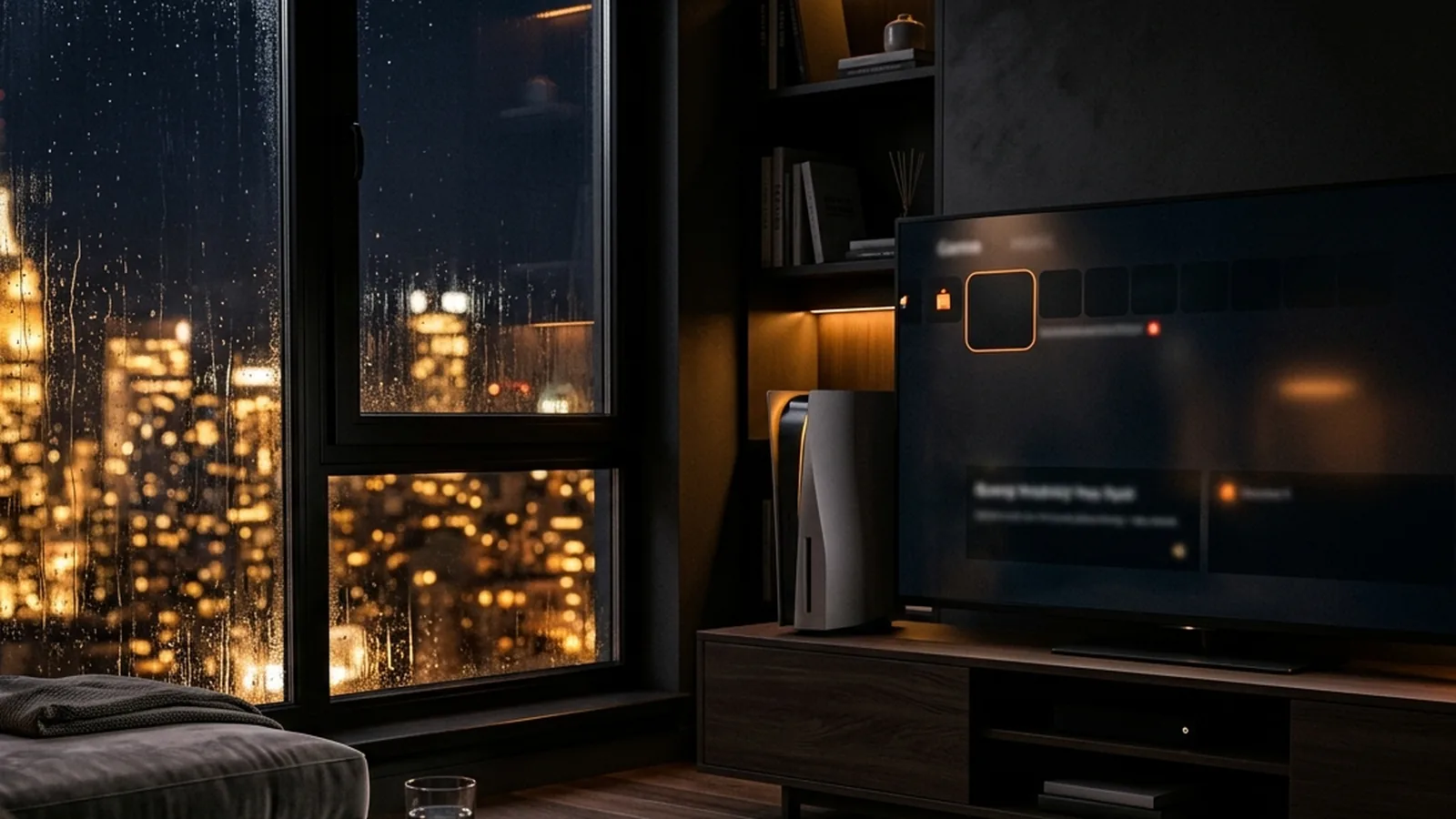
A PS5 gaming cafe in Mumbai rents you a PlayStation 5 console, a TV and controllers for a set time, so you can play without owning the hardware. You book a station, arrive, show your code and play. It suits friends who want to share one screen and anyone curious about the console.
In short
- You rent the console, TV and controllers by the session, and the games you play are your choice.
- PS5 stations are the most social option, because several people can share one screen.
- Booking online shows which console is free and for how long before you set out.
- Bring your own game account details if you want to continue your own progress.
- Check the booking page's game filter instead of assuming a title is available.
Plenty of people in Mumbai want to try a PlayStation 5 but live in a flat where the TV is shared, the living room is tiny or the console costs more than they want to spend before they know they like it. Others already own one and want a bigger screen and more controllers. This explainer covers what you are actually renting, how a visit unfolds, and how to decide whether a console station is the right pick over a PC or racing rig.
What do you actually rent at a PS5 gaming cafe?
You rent time on a console station: the PS5, a screen, controllers and a place to sit. The console is the same hardware you would buy, just booked by the hour instead of owned.
Think of it like hiring a turf for a football match. You do not buy the ground. You pay for the use of a well-kept space for a fixed period, and you bring the players.
A console station usually gives you:
- A PlayStation 5 console. Sony's official PS5 page for India describes the console and its features.
- A TV or large screen, sometimes bigger than what fits at home.
- Controllers. The PS5 uses the DualSense, which has haptic feedback (fine vibrations that mimic textures) and adaptive triggers (triggers that can push back). Wikipedia's DualSense article covers the details.
- Seating, usually a sofa or chairs facing the screen.
What the station contains in terms of exact games, number of controllers and TV size depends on the venue, so check before you plan around a specific title.
Why do people choose a PS5 gaming cafe in Mumbai over playing at home?
People choose it for three reasons: they do not own a console, they want to play with several friends, or they want a bigger screen. Each reason is practical, not about status.
- No console yet. A session lets you try the PS5 before you spend on one.
- Local multiplayer. This means several people playing on the same screen in the same room, rather than online. The Wikipedia entry on local multiplayer explains the term. It is why a console station suits a birthday group or a college gang.
- Space. Many Mumbai flats cannot fit four people on a sofa facing a big TV.
- Variety. One session can be a football match, the next a fighting-game round.
If you want to choose games that fit your group, our article on the best PS5 fighting games shows what works for head-to-head play.
How does a visit work, step by step?
A visit has six steps, from choosing a console to finishing your game. The order below is the same at most booking-based venues.
- Choose the machine type. Pick PS5 on the booking page if you want a console.
- Pick a start time and a session length. Short sessions are fine for a first visit.
- Sign in and book. You get a confirmation code.
- Travel with a buffer. Mumbai trains and roads are unpredictable, especially in the monsoon.
- Show your code at the counter and go to your station.
- Play, then finish a few minutes before the end so you do not lose progress.
If it is your first time anywhere, read our guide for your first time at a gaming lounge, which covers arriving, accounts and what to carry in more depth.
PS5, PC or racing rig: which should you pick?
Pick a PS5 if you want to play in a group with controllers, a PC for keyboard-and-mouse games and a racing rig for driving games with a wheel. The table compares them.
| Machine | Best for | Typical group size | Control |
|---|---|---|---|
| PS5 | Party, sports, fighting games | One to four (at Playsole) | Controller |
| Gaming PC | Shooters, strategy | One | Keyboard and mouse |
| Racing rig | Driving games | One | Wheel and pedals |
Do not treat the group-size column as a promise for every venue. Stations differ, so check what each one seats.
If you are curious about driving games but have never used a wheel, our beginner article on sim racing first lap tips shows how to start without frustration.
What should you check before you book?
Check four things: whether the game you want is available, how many players the station seats, which outlet is closer and what the session options are. These checks take about two minutes.
- Game availability. Use the game filter on the booking page rather than trusting a rumour that a title is installed.
- Player count. A game that supports four players still needs a station that seats four.
- Controller count. Ask if you need extra controllers for a bigger group.
- Account needs. If you want your own saved progress, you may need to log in. Check PlayStation Support if you are unsure how accounts and sign-in work.
What are the common mistakes?
Common mistakes are booking a console for a game that needs a PC, forgetting that online features need an account and bringing too large a group for a single station. All three are easy to avoid.
- Choosing the wrong machine. Some games exist only on PC, and some only on PlayStation.
- Assuming your progress is there. A venue's console is not your console. Your saves live in your account or on your own system.
- Overcrowding one station. A station that seats four does not make five people comfortable.
- Ignoring the price factor. Prices vary by outlet, station and time. For what changes the number, see the guide on gaming cafe price per hour in Mumbai.
- Mixing up the venue type. If you wonder whether "cafe" and "lounge" mean something different, gaming lounge vs gaming cafe explains it.
A sample evening for four friends
This is a planning example, not a description of what any venue promises. Four friends from Vile Parle plan a Friday evening. One of them opens the booking page and picks the PS5 filter. They choose a start time two hours from now, a moderate session length and the outlet that suits the group's route.
They book, receive a code and meet near the station. At the counter they show the code. They play one round of a party game so everyone can join, then move to a head-to-head game where two play and two watch before swapping. When the time is nearly done they save their progress and head home before the rain gets heavier.
How this works at Playsole
Playsole Gaming Lounge has PlayStation 5 consoles across its two outlets, Playsole Kharghar in Navi Mumbai and Playsole Vile Parle in Mumbai, though the equipment differs by outlet, so check the booking page for the one you plan to visit. PS5 stations can seat up to four players, and some use large TVs. Playsole also has gaming PCs and racing-simulator rigs, which most seat one player.
The booking page shows live availability and per-person prices for each station at each outlet. You can filter by machine type, or by game with the "By game" filter, then choose a start time and session length. Options such as Now, In 30 min, In 1 hr and In 2 hrs are available, along with a custom time. "Quick book" picks the cheapest free station for the window you choose.
You sign in with your email to book, and you receive a confirmation code to show at the counter. Payment can be at the venue or online, depending on the outlet. Exact console models, TV sizes and game lists are shown or confirmed through the outlet, so check them before you plan around one title.
FAQ
What is a PS5 gaming cafe?
It is a venue that rents PlayStation 5 consoles by the session. You get the console, a screen and controllers for a fixed time, then play games without owning the hardware. Some venues also offer PCs and racing rigs. The experience is closer to hiring a court than to buying a console.
Can I play with friends on one PS5?
Often yes. Many PS5 games support local multiplayer, where several people play on one screen. The number of players depends on the game and the station. At Playsole, PS5 stations can seat up to four players, so check the game's player count before you book.
Do I need to bring my own controller?
Usually not. Controllers come with the station. If you have a favourite DualSense and want to use it, ask the venue first. For larger groups, confirm how many controllers are available so nobody waits for a turn they did not plan on.
Can I save my game progress there?
Your progress lives in your account or on your own console, not on the venue's. If you want to continue your saves, ask the staff how sign-in works before you start. Never share your password with anyone, and sign out fully when your session ends.
Is a PS5 session good for beginners?
Yes. A controller is easier to learn than keyboard and mouse, and party games let everyone join in a minute. Choose a shorter first session, pick a game with simple rules and ask staff to help you launch it so you spend your time playing.
How do I find a PS5 cafe near me?
Search by area, then open each venue's booking page and compare live availability, machine types and session lengths. Read recent photos for equipment condition. The near-me checklist lists ten checks that take only a few minutes.
Next step
If you have been wondering whether a PS5 gaming cafe in Mumbai is worth trying, the easiest way to find out is a short session. Open the Playsole booking page, choose PS5 as the machine type and look at the live slots for Kharghar or Vile Parle.
Pick a session length that leaves room to learn, bring friends if you can, and keep your confirmation code ready. If you want help choosing games for your group, start with the By game filter on the booking page.