How to Find Your Sensitivity in FPS Games (DPI and eDPI)
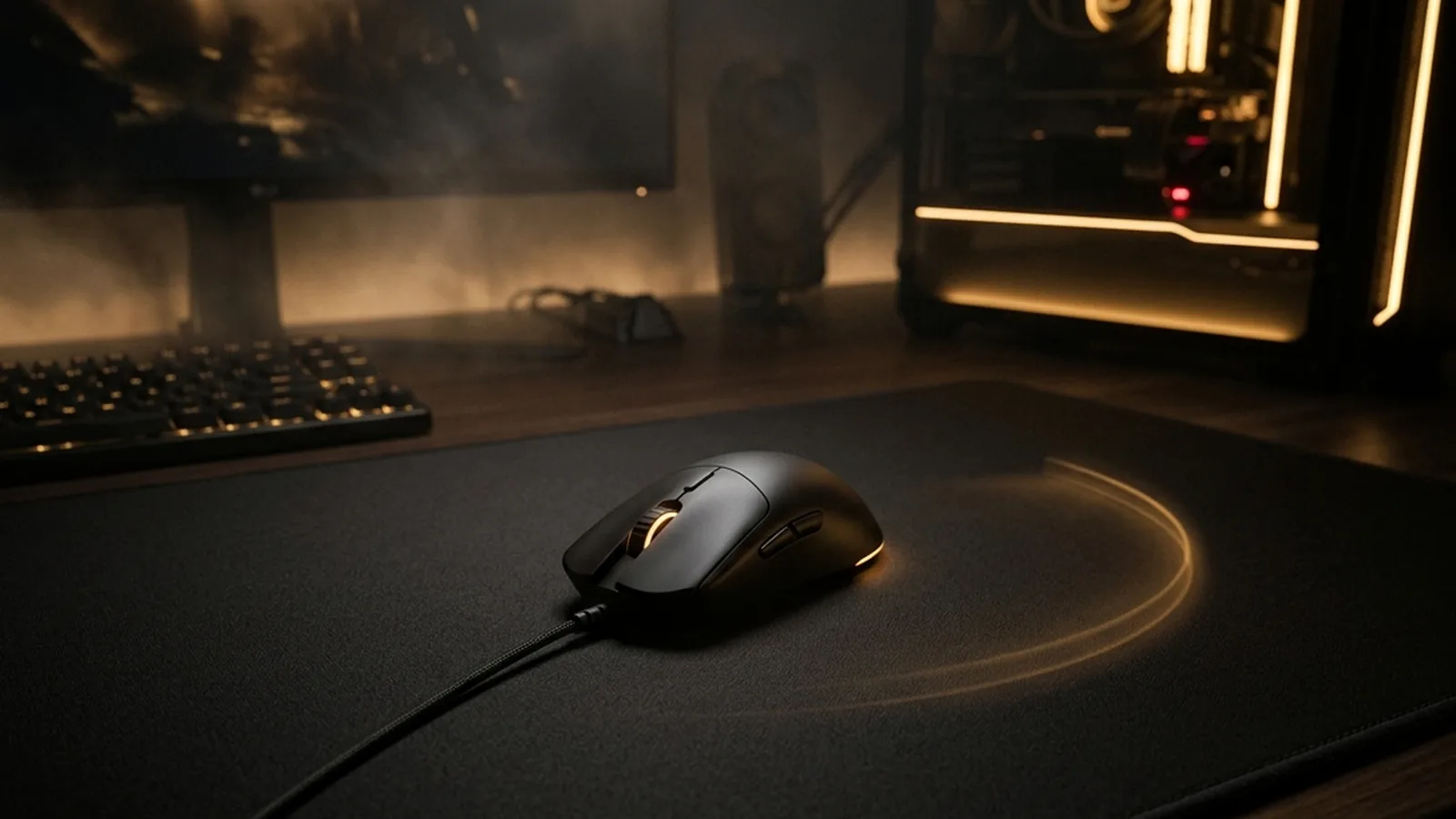
To find your sensitivity in FPS games, start at 800 DPI, set the in-game slider so a full 360-degree turn takes about 30 to 40 centimetres of mouse travel, and test it for a week. Adjust in small steps. The right setting lets you flick to a target and still hold a steady crosshair.
In short
- Sensitivity has two parts: mouse DPI and the in-game setting. Multiply them to get eDPI.
- eDPI lets you compare your settings with anyone using any DPI, within one game.
- Lower sensitivity favours precision, and higher sensitivity favours quick turns.
- Change by small steps, then keep the new setting for at least a week.
- Write your numbers down so you can re-enter them on any PC.
Sensitivity is the most personal setting in a shooter, and the one most players get wrong by copying a number from a video. This guide is for beginners and returning players who want a method instead of a guess. You will learn what DPI and eDPI mean, how to measure the distance your mouse travels to turn fully, a step-by-step test, a worked example with real arithmetic, and the mistakes that quietly cost aim. The method works in Valorant, Counter-Strike 2 and most other first-person shooters.
What are DPI, in-game sensitivity and eDPI?
DPI, in-game sensitivity and eDPI are the three numbers that decide how far your crosshair moves when your hand moves. DPI (dots per inch) is how many units of movement the mouse reports for each inch you move it. In-game sensitivity is a multiplier the game applies on top. eDPI, short for effective DPI, is those two multiplied together.
For example, 800 DPI with an in-game setting of 0.4 gives an eDPI of 320. A computer mouse reports movement to the PC, and the game turns that movement into camera rotation. That is the whole chain.
Why does eDPI matter? Because 1600 DPI with 0.2 in-game feels the same as 800 DPI with 0.4: both give 320. The catch is that eDPI is comparable only inside one game, because each game scales its slider differently.
A second measure is cm/360: the centimetres your mouse travels to turn the camera a full circle. It works across games, which is why converters use it.
Does low or high sensitivity win in FPS games?
Neither wins on its own: low sensitivity gives precision, and high sensitivity gives quick turning, and the best setting balances both for your hand and mousepad. Most tactical shooters such as Valorant and CS2 reward steady aim at small targets, so many players land on lower settings that use the forearm.
| Lower sensitivity | Higher sensitivity | |
|---|---|---|
| Strength | Precise, steady crosshair | Fast 180-degree turns |
| Weakness | Needs more mousepad space | Hard to stay on small targets |
| Arm use | Forearm and shoulder | Wrist |
| Often suits | Long-range duels | Close, fast fights |
This is a trade-off, not a rule. Your hand, desk and mousepad all change the answer.
Step by step: how to find your sensitivity in FPS games
Finding a good setting takes about an hour of testing, spread over a week. Follow these steps in order.
- Fix your Windows settings first. Leave pointer speed at its default and turn off "Enhance pointer precision", which is mouse acceleration (the pointer moves further when you move faster). Acceleration makes the same hand movement give different results.
- Pick a DPI and keep it. 800 is a common, sensible choice. Many mice also offer 400 and 1600. Choose one and stop changing it.
- Turn on raw input in the game, if offered. The game then reads your mouse directly.
- Choose a starting eDPI. For tactical shooters, many players start around the low hundreds. Use that as a starting point, not a target.
- Measure your cm/360. Put a ruler beside your mousepad, aim at a marker in the game, and move the mouse until you have turned a full circle. Note the distance.
- Go for the 30 to 40 cm range first. If a full turn takes less than about 20 cm, you are likely too fast. If it takes more than your mousepad is wide, you are too slow.
- Test with a routine. Spend ten minutes in a practice range on three tasks: flick to a still target, track a moving target, and turn 180 degrees to a target behind you.
- Adjust by about ten percent. If you overshoot, lower it. If you cannot turn in time, raise it.
- Keep the new setting for a week. Muscle memory needs repetition. Changing daily resets the learning.
Worked example: from 800 DPI to cm/360
Here is a worked example that shows the arithmetic, so the numbers stop feeling like magic. You can follow the same steps for any game.
Say you use 800 DPI and set Counter-Strike 2 sensitivity to 1.0. Counter-Strike games commonly use a yaw value of 0.022 degrees per count at sensitivity 1.0 (other games use different values).
- Counts needed to turn 360 degrees: 360 divided by (0.022 x 1.0) is about 16,364 counts.
- Inches of mouse travel: 16,364 divided by 800 DPI is about 20.5 inches.
- Centimetres: 20.5 x 2.54 is about 52 cm.
So that setting needs about 52 cm to turn fully. That is likely too slow for many people on a small mousepad. If you raise the sensitivity to 1.5, the distance becomes about 35 cm, which is in the 30 to 40 cm range suggested above.
You do not need to do this by hand: free online sensitivity converters take your DPI and in-game setting and output cm/360 and the matching setting in another game. The worked example just shows what they calculate.
How do you convert sensitivity between games?
You convert sensitivity between games by matching cm/360, not by copying the in-game number. Games scale their sliders differently, so identical numbers feel different, and a converter keeps the physical hand movement the same.
A practical routine when you move from Valorant to Counter-Strike 2, or back:
- Look up your cm/360 in your current game.
- Enter your DPI and that cm/360 into a converter for the new game.
- Set the output number in the new game.
- Test in a practice mode and adjust by ten percent if it feels off.
If you play both, our comparison of CS2 vs Valorant is a useful companion, and the habits in Valorant tips for beginners include why stopping before you shoot matters more than the exact number.
Display smoothness also affects how aim feels. A higher refresh rate shows your crosshair position more often, which is explained in 144Hz vs 60Hz, and a laggy connection can feel like a sensitivity problem when it is not, which ping, lag and latency covers.
What are the common sensitivity mistakes?
The most common mistake is changing sensitivity too often, because aim improves through repetition at one setting. Other errors:
- Copying a professional's number. Their hand, desk and mousepad are not yours.
- Leaving mouse acceleration on. Identical hand movements then give different crosshair movement.
- Judging after one session. A new setting feels odd for a few days.
- Ignoring comfort. Pain in the wrist or forearm is a signal to stop. General information, not medical advice: if discomfort lasts, see a doctor.
For posture and wrist care, see our guide to healthy gaming for eyes, neck and wrists. CDC NIOSH also has general ergonomics guidance.
How this works at Playsole
Playsole Gaming Lounge has gaming PCs, PlayStation 5 (PS5) consoles and racing-simulator rigs across its two outlets, Playsole Kharghar in Navi Mumbai and Playsole Vile Parle in Mumbai, and the equipment differs by outlet, so check the booking page for the one you plan to visit. A PC station seats one player, so each friend who wants to compare settings needs their own station.
A shared PC may not hold your settings between sessions, so keep your DPI, in-game sensitivity and cm/360 in a note on your phone and re-enter them when you sit down. We do not list mouse models or specs here; the catalogue and equipment vary by outlet, so check what is shown on the booking page. It offers a "By game" filter, live availability and the per-person price for each station, and you sign in with your email to book.
FAQ
What is a good sensitivity for beginners?
A good beginner setting turns the camera a full circle in roughly 30 to 40 centimetres of mouse travel at around 800 DPI. Treat that as a starting point, then adjust by about ten percent until you can flick to targets and still hold a steady crosshair. Avoid changing it every day.
What does eDPI mean?
eDPI means effective DPI, and you get it by multiplying your mouse DPI by your in-game sensitivity. For example, 800 DPI and 0.4 in-game gives 320. It lets players compare settings quickly inside one game, but it does not compare reliably between games because each game scales sensitivity differently.
Is higher DPI better for aiming?
No. Higher DPI does not improve aim by itself, because what matters is the final speed, which is DPI combined with the in-game setting. Many players use a moderate DPI such as 800 and adjust the in-game number. A very high DPI with a high setting makes the crosshair jumpy.
Should I turn off mouse acceleration?
Yes, for shooters. Mouse acceleration changes how far the pointer moves depending on how fast you move your hand, so the same movement gives different results. In Windows, turn off "Enhance pointer precision", and use raw input in the game if it offers it, so aim becomes consistent.
How long should I keep a sensitivity setting?
Keep a new setting for at least a week before judging it. Muscle memory needs repetition, and any change feels strange for the first few sessions. If it still feels wrong after that, change by about ten percent in the right direction and start the week again.
Do I need a big mousepad for low sensitivity?
Low sensitivity needs more room, because a full turn can take 30 centimetres or more of travel. A larger mousepad lets you turn without lifting the mouse. If your pad is small, raise your sensitivity slightly so a full turn fits, or accept that you will sometimes lift and reset.
Next step
Open a practice range today, write down your DPI and in-game number, measure your cm/360, and run the three-task test. That one hour is how you find your sensitivity in FPS games, and the written numbers save you from starting over on a new PC. To try it on a lounge PC, check the booking page. If you want a break from mice, the Arena is one place regulars compare play time, and our guide to the best racing games to try on a sim rig shows a very different input style.