Healthy Gaming Habits: Protect Your Eyes, Neck and Wrists
Healthy gaming habits come down to short, regular breaks, a screen at a comfortable height and distance, a relaxed neutral posture for your wrists and neck, and enough sleep. Follow the 20-20-20 rule for your eyes, move every hour, and stop if you feel pain. This is general information, not medical advice.
In short
- Every 20 minutes, look at something about 20 feet away for 20 seconds to rest your eyes.
- Set the screen so you look straight ahead or slightly down, without craning your neck.
- Keep your wrists straight and relaxed, with your forearms supported, instead of bent against a desk edge.
- Stand up, stretch and walk for a few minutes at least once an hour.
- Persistent pain, numbness or blurred vision needs a professional, not a better chair.
Most gamers know the feeling: after a long session your eyes are dry, your neck is stiff and your right wrist aches. None of it is dramatic, and most of it is avoidable with small changes. This guide is for anyone who plays for more than an hour at a time, on a PC, a console or a racing rig. It explains the three body areas that complain first, gives a set-up you can copy in a few minutes, and a break routine that survives a real match schedule. Nothing here replaces advice from a doctor, optometrist or physiotherapist, and we say so again where it matters.
What are healthy gaming habits, in practice?
Healthy gaming habits are a few repeatable behaviours that keep your body comfortable during long sessions: regular breaks, good set-up, movement and sleep. They are not about playing less out of guilt. They are about being able to play well tomorrow.
Think of them as three layers.
- Set-up: where the screen, chair, keyboard, mouse or controller sit relative to your body.
- Breaks: short, scheduled pauses for your eyes, hands and back.
- Routine: sleep, water, daylight and a stopping point.
The first layer is done once. The second needs a trigger, such as the end of each match. The third is the hardest, because it requires deciding in advance when you will stop.
How do you protect your eyes during long sessions?
You protect your eyes by taking regular breaks from close focus, and the best known method is the 20-20-20 rule. The American Academy of Ophthalmology's page on computer use and eye strain recommends that every 20 minutes you look at something 20 feet away for at least 20 seconds. Healthline's explanation of the 20-20-20 rule gives the same routine in plain language.
Why does it help? Staring at a screen is close-focus work, and people tend to blink less while concentrating. The result is tired, dry eyes. A short look into the distance relaxes the focusing muscles, and blinking deliberately helps with dryness.
Practical ways to make it happen:
- Use the loading screen, a respawn timer or a break between rounds as your 20-second look. In Mumbai, a window with a view of the street or buildings works well.
- Blink on purpose when you notice you have stopped.
- Keep the room lit softly, so the screen is not the only bright thing in it.
- Reduce glare by angling the screen away from windows and lamps.
If you wear glasses or contact lenses, keep them up to date. If your eyes ache, blur or stay dry despite breaks, see an eye-care professional. That is the right step for persistent symptoms.
How should you set up your neck and back?
Set up your screen so you can look at it with your head level or slightly tilted down, and your neck neutral. Neck pain in gamers often comes from a screen that is too low or too far away, which makes you push your head forward.
Workstation guidance from OSHA and the CDC's NIOSH covers this in detail. OSHA's page on computer workstations explains how to arrange the chair, monitor, keyboard and mouse so your body stays in a neutral posture, and the CDC NIOSH ergonomics page describes ergonomics as fitting the work to the person. These are workplace resources, but the principles apply to a gaming desk too.
A simple checklist, drawn from the common guidance:
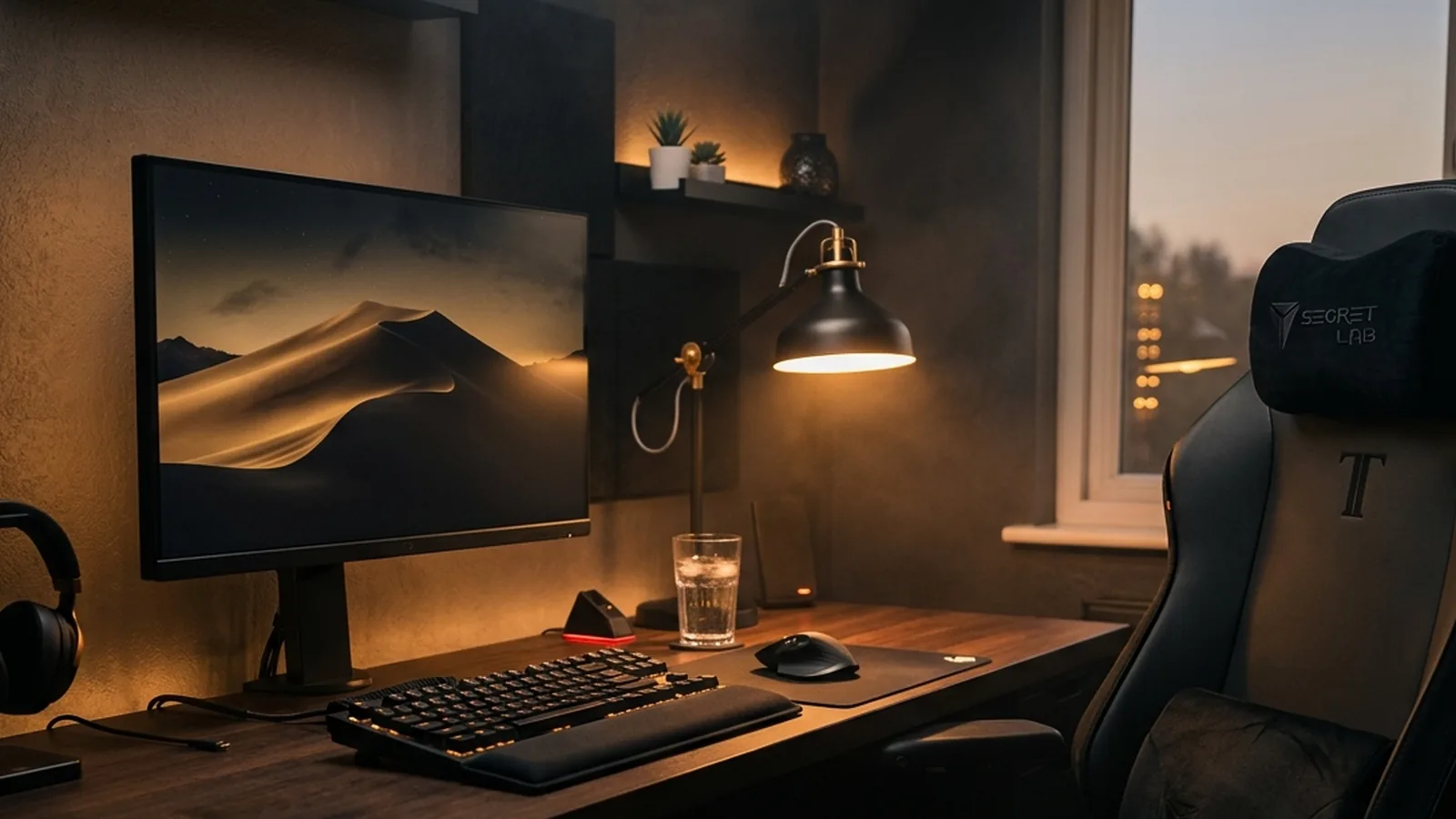
- Screen height: the top of the screen at or slightly below eye level.
- Screen distance: roughly an arm's length away, so you do not lean in.
- Chair: feet flat on the floor, knees about level with your hips, lower back supported.
- Shoulders: relaxed and down, not hunched toward your ears.
- Head: over your shoulders, not poking forward.
Exact distances differ by screen size and by person, so adjust until you feel no strain rather than chasing a number.
How do you keep your wrists and hands comfortable?
Keep your wrists straight and your forearms supported, because bent, pressed wrists are the usual start of discomfort. A wrist that is bent up, bent down or resting hard on a sharp edge for hours is under strain.
What helps:
- Keyboard and mouse: place them at a height where your elbows are around a right angle and your wrists are in line with your forearms.
- Wrist position: avoid resting the heel of your hand on a hard edge while you play. Rest your forearm instead.
- Grip: hold the mouse or controller lightly. A death grip tires the hand quickly, and many players grip harder when tense.
- Controller breaks: relax your thumbs between rounds and shake out your hands.
- Sensitivity: if you play shooters, a sensitivity setting that lets you aim with your forearm rather than a tiny wrist flick can reduce strain. Our guide on finding your sensitivity in FPS games explains how to test that.
Tingling, numbness, weakness or pain that persists after rest is a reason to see a doctor or physiotherapist. Do not play through it.
What break routine actually works?
A break routine works when it is tied to something that already happens in your session. A reminder that depends on willpower fails by the third match.
| Trigger | What to do | How long |
|---|---|---|
| Every 20 minutes (or end of a round) | Look at something far away; blink | About 20 seconds |
| End of each match | Drop your shoulders, shake out your hands | Under a minute |
| Every hour | Stand up, stretch neck and wrists, walk | A few minutes |
| After a long session | Drink water, step outside or look at daylight | Several minutes |
| End of the day | Stop at the time you chose in advance | Not negotiable |
These are practical suggestions, not clinical prescriptions. The point is that each break is small enough to do without feeling you have lost a game.
Common mistakes that cause trouble
Most problems come from a handful of habits.
- Playing with the laptop on your lap or bed. The screen is too low and your posture collapses.
- Ignoring early warning signs. Slight aches get worse when you play through them.
- Skipping meals and water. Long sessions with no water or food make fatigue worse.
- Never changing position. A good posture held for hours still gets tiring. Move.
- Late-night marathons. Cutting sleep affects focus and mood the next day, which affects your play.
- Treating a bigger chair as the answer. A chair helps, but breaks and screen height matter as much.
A worked example: a three-hour evening session
Say you plan a three-hour session with friends. Before you start, raise the monitor so its top edge is level with your eyes, sit with your feet flat on the floor and keep the mouse at elbow height.
During the session, use each respawn or round break for a few blinks and a look across the room. At the end of every match, drop your shoulders and shake out your hands. After the first hour, stand up for three minutes, stretch your neck gently side to side and have some water. After the second hour, repeat and look out of a window for a minute.
By the third hour your eyes feel less dry and your neck is not stiff. You also play the last match better, because you are not tired. The breaks cost you perhaps ten minutes in total.
How this works at Playsole
Playsole Gaming Lounge has gaming PCs, PlayStation 5 (PS5) consoles and racing-simulator rigs with a wheel and pedals. Set-up and seating vary by station and by outlet, so adjust whatever you sit at using the checklist above, and ask the counter if you need help.
On the booking page you choose a session length when you book, which gives you a natural stopping point to plan your breaks around. The Arena leaderboard ranks players by verified play time, with a per-day cap on counted minutes, so minutes beyond the daily cap are not counted. Joining the board is opt-in, and our explanation of how the Playsole Arena leaderboard works covers the details. For ranking tactics, see how to climb the leaderboard.
FAQ
How often should I take a break from gaming?
A simple pattern is a short eye break about every 20 minutes and a stand-and-stretch break at least once an hour. Use natural pauses such as the end of a round. This is general guidance, not medical advice, and if you feel pain or strain earlier, stop earlier.
What is the 20-20-20 rule?
It is an eye-rest method: every 20 minutes, look at something about 20 feet away for at least 20 seconds. The American Academy of Ophthalmology recommends it for people who spend long periods on screens. It gives your focusing muscles a break and reminds you to blink.
Does gaming cause eye damage?
Long screen sessions commonly cause temporary tiredness and dryness, which is often called digital eye strain, and breaks help. We cannot offer a medical opinion on lasting damage. If your vision is blurred, painful or changes, see an eye-care professional promptly rather than relying on general advice.
How can I avoid wrist pain while gaming?
Keep your wrists straight, support your forearms, grip lightly and rest your hands between rounds. Avoid pressing your wrist against a hard edge. If you get tingling, numbness or pain that does not settle with rest, see a doctor or physiotherapist instead of playing through it.
What is the best posture for gaming?
A comfortable, neutral one: feet flat, back supported, shoulders relaxed, head over shoulders, and the screen near eye level at about arm's length. OSHA and CDC NIOSH publish workstation guidance along these lines. Change position often, because even a good posture tires if you hold it.
Is it bad to play for hours at a time?
Long sessions are not automatically harmful, but they raise the chance of eye strain, stiffness and tiredness unless you take breaks. Plan stopping points, move regularly and protect your sleep. If long sessions leave you with pain or symptoms that persist, speak to a health professional.
Next step
Pick one change and try it in your next session: set an alert for every 20 minutes, raise the screen, or plan a stand-up break after the first hour. Healthy gaming habits stick when they are small and tied to a trigger.
If you play at a lounge, book a session length that includes your breaks on the booking page and use the pauses between rounds for your eyes and hands. If you want to see how regular, sensible play counts toward rankings, the Arena shows the leaderboard. And if you are looking after a younger gamer, read our parents' guide to gaming lounges and screen time.